· 7 min read
My Homelab Overview: What I run locally
Not everything needs to be handled by a cloud provider. Here's what I use on my personal wifi network.
Homelabs: The use case for personal convenience and growth
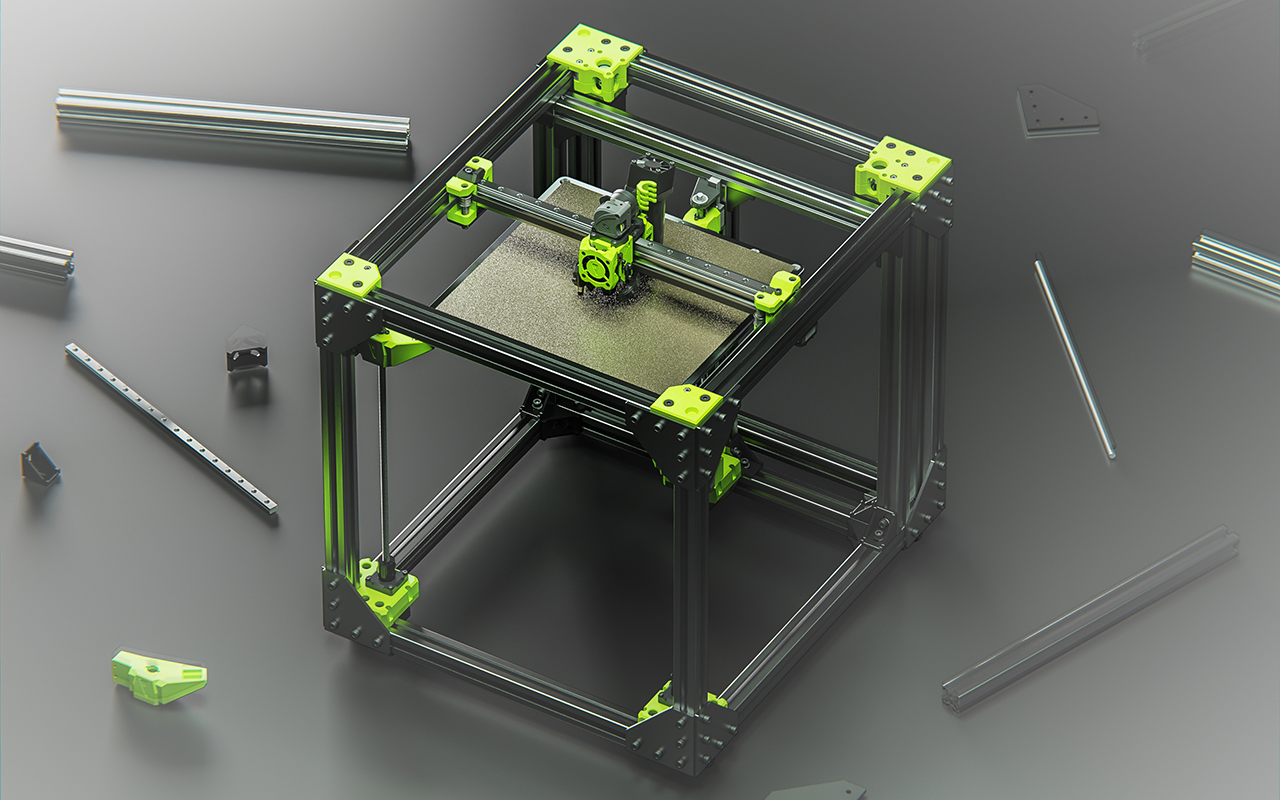
Growing up with an “I think I can do this better” mindset and my previous experience with 3D Printing and Wireguard; I would be dissapointed with my digital experiences. Always in the mood to go into the deep end and improve my quality of life I decided to see what I could do to maximize the performance and ease of use I could get out of digital tools.
This led to me learning about containerization and was my introduction into reverse proxies.
How I Discovered Homelabbing
I needed to view the images and videos from my phone on my laptop and sort through them. I did not want to duplicate the contents, but I didn’t have much of a choice, and I knew that my tags and naming would make things out of sync. Grabbing my trusty USB cable I copied all of my files over to my laptop. Sound familiar? Phone tethered down, laptop sluggish from the disk IO?
Mildly frustrated and needing to share the now sorted, tagged, and edited photos I started the process of uploading them to Google Drive. Seeing the estimated upload time of 14 hours I cried a little inside.
After everything had been uploaded I was excited to stream the videos to my tv / phone / tablet and share them with others. At this point I promptly ran into quality issues and bandwidth constraints in rural Kansas.
Cue opening Firefox:
How to run netflix on your laptop
Fast ways to store media on local wifi
Reddit was truly the pinnacle of knowledge, sending me down the rabbit hole of software development with Docker, images with LinuxServer.io, and projects like Immich, Jellyfin, Plex, and even Mealie.
How I set it up at first vs now
Remember, this is far before I understood SSL, TLS, and DNS. I was just starting off with containerization. With the simple goal of being able to view my media from any device on my network (much like monitoring my 3D Printers) I installed and ran docker on my laptop.
I pulled the images for Immich, and promptly repeatedly failed to get it functional, and certainly was not able to upload images from my phone. To achieve success I pivoted and set up a SMB share, ran File Browser as a binary, and pointed it at the SMB share. With this method I was up and running in under an hour. I then set up
Features
Wireguard is a UDP-based protocol, built for low-latency connections. It also has a simple command-line interface to add new devices, or edit old ones. A neat part is that “devices” can range from a single cellphone to an entire system of routers (thousands of devices). This flexibility later allowed me to set up Site-To-Site connections for a business, where I utilized [OPNsense firewall](backlink to OPNsense article) to allow traffic on either site to securely access anything at the other site. Wireguard is a VPN protocol that is fast, robust, and scales well as you gain more knowledge.
Implementations and Usage
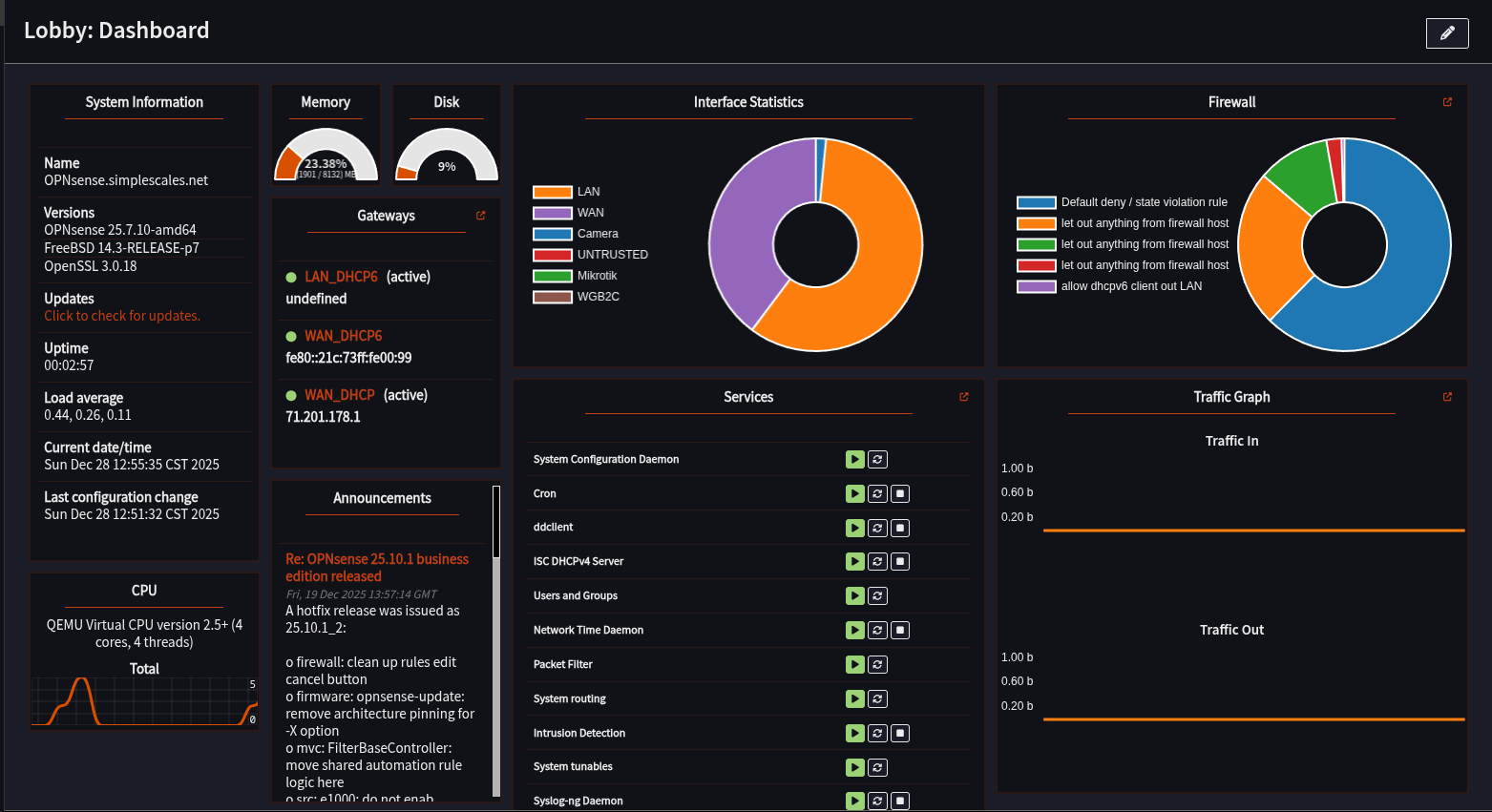
The scary part about VPNs is that in order to connect into your local network, it means there has to be a port where the “internet” can get in. That allows potential bad actors access as well. Wireguard makes this safe when properly configured via special digital keys. My first implementation with PiVPN however did not go so well. Since I knew the dangers, I was smart enough to disconnect all other devices from the network, but at this point I did not know how to manage my DNS, or set up my firewall properly. This meant that I allowed all traffic, not just Wireguard, into my network. Diagnosing this took a lot of experimentation and a few complete resets. Thankfully, I was able to use some Linux networking tools and trace the issue I was having, and correct it. From there I had the firewall locked down to a single port open on my router, and it worked like a charm - only my device could connect, and the connection speed was flawless. After I moved to a different apartment I needed to set the Wireguard up again, but this time on a Mikrotik router. Without the aid of PiVPN, setup took longer despite my better knowledge. Mikrotik did not make it easy prior to RouterOSv7, but in an only mildly shamefully long period of time I figured it out, and once again I was able to connect from anywhere. I moved again soon after, and here is where the implementation truly changed for the better. I upgraded from my old Raspberry Pi (with PiVPN) to a more powerful Orange Pi computer. This became a proper server, where I started experimenting with Docker and Podman containers. I was able to join a Wireguard Docker container with all of my other containers to remove ads for all devices on my network via DNS sinkholes. Then for the final evolution of my personal Wireguard configuration, and the one I have stuck with for the longest, I set up my own complete firewall and router, with OPNsense. I was able to experience the bliss of a wonderful graphical user interface, the ability to set up Site-to-Site connections, and Site-to-Client connections with ease. Shared DNS and adblock made it so that I could seamlessly connect to any service across multiple different sites and never have to worry about ads, malicious actors, or accidentally exposing my data and services. Having Wireguard allows me to view my websites that are running on my Orange Pi, like my recipe website (Mealie), view all of my photos and media (Immich and TrueNAS), view my security cameras with Frigate, and access all of my code (Gitea). I can even remote into my other laptops and desktops with Rustdesk without fear.
Analysis
Wireguard has allowed me to safely share my work with friends and family, stay protected while traveling and keep connected wherever I go. I am able to quickly diagnose and solve problems for clients because I can directly access their network. Overall, it’s been incredibly stable and beneficial for me. If you also have a desire to have a more secure, and ad-free experience on the internet, I highly suggest checking out Wireguard with your custom DNS resolver. The easiest way to do this is to set up PiHole with PiVPN. In fact, it could be your homework assignment from this article.
In the future, I think I would like a slightly better way to onboard users. There is not a direct “sign up” method to be able to connect. Right now, users have to install an app on their phone, and I need to manually share a configuration file. Most users I work with do not understand that level of technical setup. Due to this, I have looked into solutions like Pangolin and Tailscale to allow a more auth-based approach where only an account is needed to view services in order to reach a wider audience.
Conclusion
Wireguard has been a lifesaving essential tool I have greatly benefitted from over the past five years of using it. I’ve come a long way in my own education, from needing everything defaulted and set up for me, to writing custom overrides, allow lists, subnets, and even split DNS configs. However I have the utmost respect for the maintainers of PiVPN, and what they do to enable people like me to learn and grow. Now? Being able to diagnose printer issues, remote into machines, and run my personal DNS resolver and adblocker anywhere I go gives me a better peace of mind for myself, my family, and my clients. There may be better ways to set it up for ad-hoc connections, but right now I am a huge fan of how Wireguard enables my workflow.